
Learn how to build an AI agent in 2026 with this beginner-friendly step-by-step guide. Discover how to create, test, and improve AI agents with Microsoft 365 Copilot.
AI agents are moving beyond simple chatbots. Instead of only answering a question, an AI agent can be designed to find information, make decisions, complete tasks, and trigger actions based on a set of instructions.
That doesn’t mean AI agents should operate without oversight. For important decisions, human approval is still critical. But for repetitive workflows, they can save employees a significant amount of time.
The biggest difference between a conventional AI chatbot and an AI agent is action. A chatbot may tell you what needs to be done. An agent can potentially carry out parts of the workflow itself.
And you don’t always need to be a software developer to get started.
Platforms such as Microsoft 365 Copilot make it possible to create certain AI agents with natural-language instructions. In this guide, we’ll walk through the process of how to build an AI agent, from choosing a useful problem to testing and improving your first version.
1. Start With a Problem Worth Solving
The easiest mistake to make when building an AI agent is starting with the technology instead of the problem.
Table of Contents
Don’t begin by asking, “What can AI do?”
Start with:
“What task is wasting our time?”
Look at your existing workflows. Talk to the people who perform those tasks every day. You may find that employees are repeatedly copying information between applications, answering the same questions, searching through documents, or preparing reports manually.
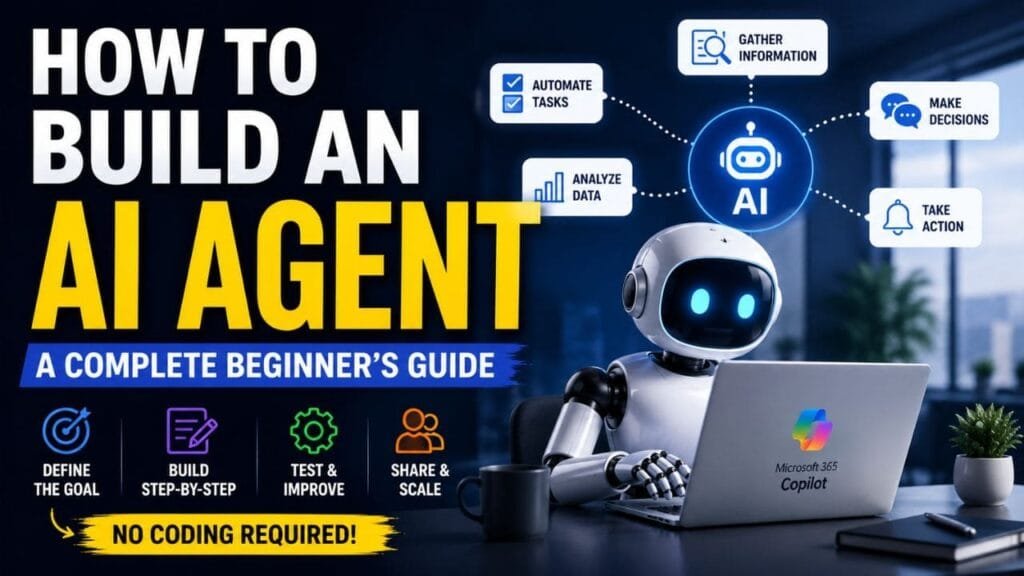
Those are often good places to investigate AI automation.
Before building anything, decide what you actually want the agent to accomplish.
For example:
- Does it need to find information?
- Should it summarize large amounts of content?
- Does it need to complete a repetitive process?
- Should it recommend the next step?
- Can it perform an action automatically?
- Which situations should always be handed to a human?
The clearer your objective, the easier it will be to design and test the agent.
A Simple Example
Imagine a project team that spends every Friday collecting updates from emails, chat messages, and documents to create a weekly status report.
Someone has to search through dozens of conversations, identify important developments, check deadlines, and turn everything into a readable report.
An AI agent could help gather the approved information, identify relevant updates, and create a first draft.
The employees would still review the report, but they wouldn’t have to start from a blank page.
That’s a much better starting point than trying to build an AI agent simply because the technology is interesting.
2. Check Existing AI Agents Before Building Your Own
Once you’ve identified the problem, don’t immediately create a custom solution.
First, see whether an existing AI agent or AI-powered tool already handles the task.
This can save time and prevent unnecessary development work.
Microsoft 365 Copilot, for example, offers access to agents designed for different use cases. If one already meets your requirements, you may not need to create another one from scratch.
If you can’t find a suitable option, then consider building a customized agent.
Your technical background will also influence your choice.
For someone with limited coding experience, a no-code or low-code environment can be a practical way to experiment. Developers and technical teams may prefer more advanced tools when they need custom integrations, APIs, databases, or greater control over the agent’s behavior.
Example: Managing a Shared Inbox
Suppose a customer support team receives hundreds of emails every week.
An AI agent could potentially:
- Sort messages by category
- Identify urgent requests
- Recognize frequently asked questions
- Draft responses to simple inquiries
- Send messages to the right team member
- Flag sensitive issues for human review
The purpose isn’t necessarily to eliminate human involvement.
Instead, the agent can take care of the repetitive first steps while employees handle situations that require judgment or personal attention.
3. Create Your AI Agent in Microsoft 365 Copilot
After defining the use case, you can move on to creating the agent.
In Microsoft 365 Copilot, you can start from the Agents area and create a new agent. Instead of writing complicated code, you can explain what you want the agent to do using ordinary language.
For example, you could describe an agent like this:
“Create an assistant that reviews incoming project requests, categorizes them by urgency, summarizes the important details, and sends complicated requests to a human team member.”
The platform can use that description as a starting point.
But don’t stop at the first version.
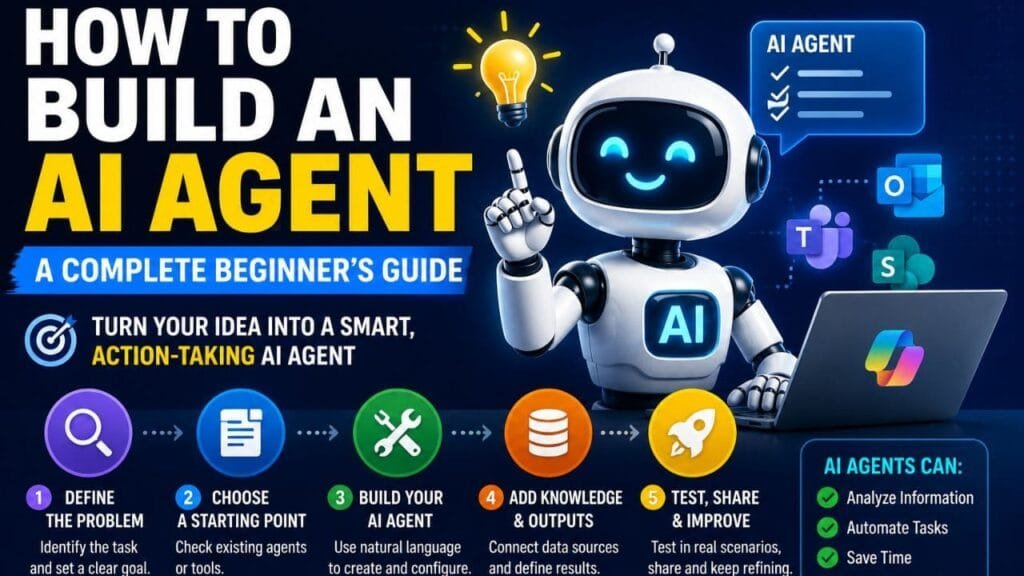
Your initial instructions will probably need some refinement. Think of them as the operating rules for your agent.
You can define things such as:
- Its main purpose
- The tasks it is allowed to perform
- The information it should use
- The tone of its responses
- The format of its answers
- Tasks it should avoid
- Situations that require human approval
Make the Instructions Specific
Suppose you’re creating an agent for a shared customer-support inbox.
Instead of saying:
“Handle customer emails.”
Give it clearer rules.
For example:
- Classify each message as a general question, urgent issue, or complex request.
- Summarize the customer’s main concern.
- Use only approved information when drafting routine replies.
- Send sensitive requests to a human employee.
- Never invent information that isn’t available in the approved sources.
Clear instructions reduce ambiguity and make the agent easier to manage.
4. Give Your AI Agent the Right Knowledge
Even a well-designed AI agent won’t be very useful if it doesn’t have access to the information it needs.
This is where AI agent knowledge sources become important.
Depending on your setup, you may be able to provide relevant information from sources such as:
- Company documents
- Emails
- SharePoint
- Websites
- PDFs
- Internal policies
- Other approved business resources
The key is to give the agent relevant and trustworthy information rather than connecting it to everything available.
You should also think carefully about what the agent is allowed to use.
For example, if you’re building an internal reporting agent, you might want it to work only with information from a specific project rather than pulling unrelated content from across the organization.
Define the Output Before You Build Too Far
Think about what the finished work should look like.
Should the agent create:
- A short summary?
- A detailed report?
- An email?
- A spreadsheet?
- A presentation?
- A list of action items?
- A technical response?
Giving the agent a specific output format can make its results much more useful.
Example: Building a Weekly Project Report
You could tell the agent to review relevant project communications from the previous seven days and look specifically for:
- New developments
- Important decisions
- Project blockers
- Upcoming deadlines
- Changes in priorities
You could then instruct it to produce a one-page report with short sections and bullet points.
You can also establish an important rule:
If the available information is incomplete or contradictory, flag the issue instead of guessing.
That small instruction can make a major difference.
5. Test the Agent Before You Trust It
Never assume an AI agent will behave correctly just because the first few tests look good.
Real-world information is messy.
People use different wording, provide incomplete details, contradict each other, and sometimes ask questions that your original instructions never anticipated.
That’s why testing an AI agent is an essential part of the process.
Try realistic scenarios and look for problems such as:
- Incorrect answers
- Missing information
- Made-up details
- Conflicting instructions
- Wrong classifications
- Poor formatting
- Incorrect routing
- Unexpected behavior
- Inconsistent responses
When something goes wrong, don’t simply accept the result.
Go back to the instructions, identify why the agent misunderstood the situation, make an adjustment, and test the scenario again.
Example
Imagine your project-report agent finds two different deadlines in separate emails.
A poorly configured agent might simply choose one.
A better instruction would tell it to identify the conflict and request human clarification.
You might also discover that your reports are five pages long when your team only wants a quick overview.
That’s easy to address: change the instructions to prioritize the most important information and keep the final report concise.
This test → adjust → test again cycle is how an AI agent becomes more dependable.
6. Share the Agent Carefully
Once you’ve tested the agent and you’re happy with its behavior, you can make it available to the people who need it.
But don’t necessarily give everyone access immediately.
Before launching it across a large organization, consider:
- Who actually needs access?
- What information can the agent see?
- What actions can it perform?
- Which decisions require human approval?
- What should happen when it can’t determine an answer?
- How will you monitor its performance?
A small pilot can be a smart approach.
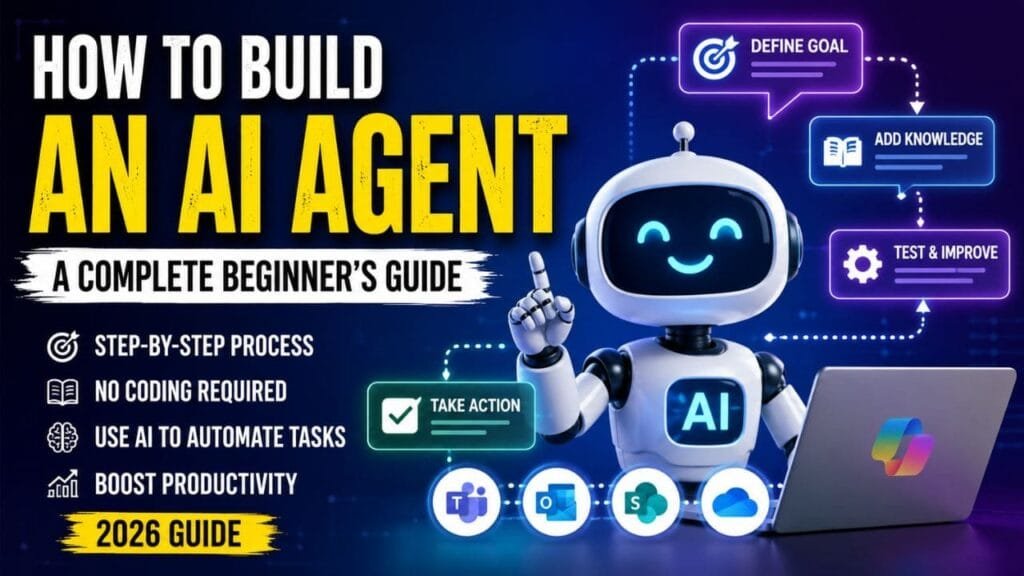
Give the agent to a limited group, collect feedback, and fix problems before expanding access.
This gives your team an opportunity to discover issues that may not have appeared during testing.
7. Keep Improving Your AI Agent
Launching an AI agent isn’t the end of the project.
It’s really the beginning of an ongoing improvement process.
Once people start using it, they’ll find situations you didn’t anticipate during the initial build.
You may discover that the agent needs:
- Better instructions
- Additional knowledge sources
- New workflows
- Different output formats
- More specific boundaries
- Additional integrations
- New approval steps
Pay attention to user feedback.
If employees repeatedly correct the same type of mistake, that’s a sign that the agent’s instructions or knowledge need to be improved.
Over time, a small experiment can become a genuinely useful part of a team’s workflow.
Final Thoughts
Learning how to build an AI agent in 2026 is more accessible than it was a few years ago. You don’t necessarily need to be an experienced programmer to start experimenting with AI-powered workflows.
But the technology itself isn’t the most important part.
A successful AI agent starts with a specific problem, reliable information, clear instructions, sensible boundaries, and thorough testing.
Start with one repetitive task rather than trying to automate an entire department.
Build a simple version, see how it performs in real situations, listen to the people using it, and improve it over time.
Whether you’re interested in AI agents for business, customer service, productivity, project management, cybersecurity, or email automation, the same principle applies:
Don’t build an AI agent just because you can. Build one because it solves a real problem.
That approach is far more likely to turn an interesting AI experiment into a tool people actually want to use.
🔔 Connect With Us
Stay updated with the latest Update,
👉 Join us on WhatsApp – Link
👉 Join our Telegram Channel – Link
👉 Follow us on X (Twitter) – Link
👉 Follow us on Instagram – Link
👉 Like our Facebook Page – Link
👉 Follow us on Threads – Link
📩 Contact & Support
Have questions, feedback, support requests, collaborations, or business opportunities?
Feel free to reach out:
📧 Business Inquiries: contact@easylearnguide.com
📧 Support & General Assistance: support@easylearnguide.com
Frequently Asked Questions (FAQs)
1. What is an AI agent?
An AI agent is an AI-powered system that can understand instructions, use information, make decisions, and perform tasks or actions. Unlike a basic chatbot, an AI agent can complete parts of a workflow instead of only generating a response.
2. How do I build an AI agent?
To build an AI agent, identify a specific problem, define the desired outcome, provide reliable information, create clear instructions, and test the agent. No-code platforms such as Microsoft 365 Copilot can simplify the process for beginners.
3. Can I build an AI agent without coding?
Yes. Several AI platforms offer no-code or low-code tools that allow users to create AI agents using natural-language instructions instead of traditional programming.
4. How do I create an AI agent in Microsoft 365 Copilot?
In Microsoft 365 Copilot, start by creating a new agent and describing what you want it to do. You can then configure its instructions, add knowledge sources, test its responses, refine its behavior, and share it with your team.
5. What can an AI agent do?
An AI agent can analyze information, summarize documents, answer questions, organize data, create content, monitor workflows, and automate repetitive tasks. Depending on its configuration, it may also perform actions using connected tools.
6. What information should I give an AI agent?
Provide relevant and reliable information needed for the agent’s specific task. This could include documents, websites, SharePoint content, company policies, emails, or other approved business data.
7. How do I test an AI agent?
Test your AI agent using realistic scenarios and check for incorrect answers, missing information, conflicting instructions, unexpected assumptions, and poor outputs. Update its instructions or knowledge sources when problems appear, then test it again.
You may also like this –
Why Every Company Wants an AI Model Router in 2026?
Can the U.S. Win Asia’s AI Market as China Dominates Cheaper Models?
What Is Model Context Protocol (MCP)? How It Connects AI Models to Tools and Data
Tesla Limits Employee AI Spending to $200 Per Week, Except for Grok
AI Boom Faces a New Threat: How Severe Weather Is Disrupting Data Centers and Technology
Can AI Answer Life’s Biggest Questions? Why Not Knowing May Lead to the Truth
U.S. Approves Iranian Oil Sales as Final Peace Deal Negotiations Advance